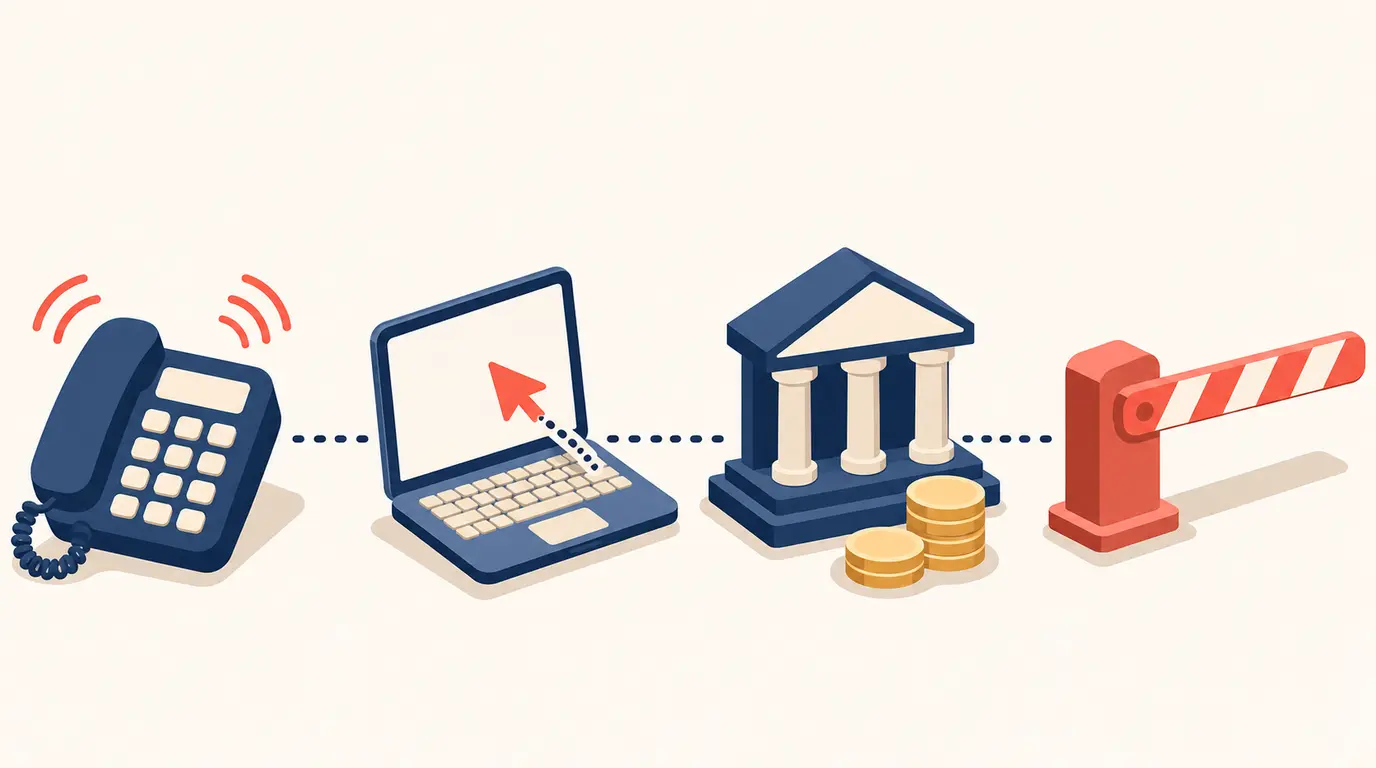

Remote access scammers pretend to call from internet services or telecom companies, Victoria Police says on its page about these scams, last updated on 23 October 2026. They try to convince you that your device or service has a technical problem they need to fix. They may sell you fake software to "fix" it, ask for your credit card details, or ask for remote access and then take your details, files and passwords.
Remote access to a device also reaches other things on it, the police note, such as bank logins, personal documents, photographs and videos. If you are worried that your identity has been compromised through such a scam, the page says to act fast to limit the damage.
To avoid it happening again, Victoria Police advises not to load any remote access apps onto your device, to disable any you have, and not to give personal, card or account details over the phone unless you made the call yourself to a number from a trusted source.
- Contact your bank or financial institution at once to tell it about the scam, and change your banking passwords on any account that may be compromised.
- Contact other services where your details could be used to get into your accounts, such as the Australian Taxation Office or Services Australia. IDCARE gives free advice in Australia and New Zealand on 1800 595 160.
- If the scammer got into your device, follow the government's "Recover from hacking" guide at cyber.gov.au. Save important files to external storage and consider a factory reset, or have an IT professional check the device.
- Report it to police through ReportCyber, and to Scamwatch. In an emergency call Triple Zero (000).
Source: Victoria Police, "Remote access scams", page updated 23 October 2026
Read the original: police.vic.gov.au